We put real jobs into VR so you can stand inside the design, at full scale, before anybody orders steel or pours concrete. A laptop or phone works fine. A headset is a bonus.
Twenty or thirty years ago engineers called it a plan in hand: take the drafted drawings out to the project and walk it before anything gets built. Everybody agreed it was a great idea. Almost nobody kept doing it.
Our founder was taught to do it early on, and like most engineers, let it slide within a year or two. Driving a roll of drawings out to every site just doesn’t fit a real schedule. VR brings the walk to you, so it can happen on every job.
Financing, insurance and materials all cost more than they used to, and a lot of Southwest Louisiana is still rebuilding. Nobody has room for a beam that runs into a window, a pad set at the wrong height or a lifeline the crew can’t reach.
A change on screen takes a few minutes. A change after the pour costs real money. Walking the project first is a cheap way to find the expensive problems early.
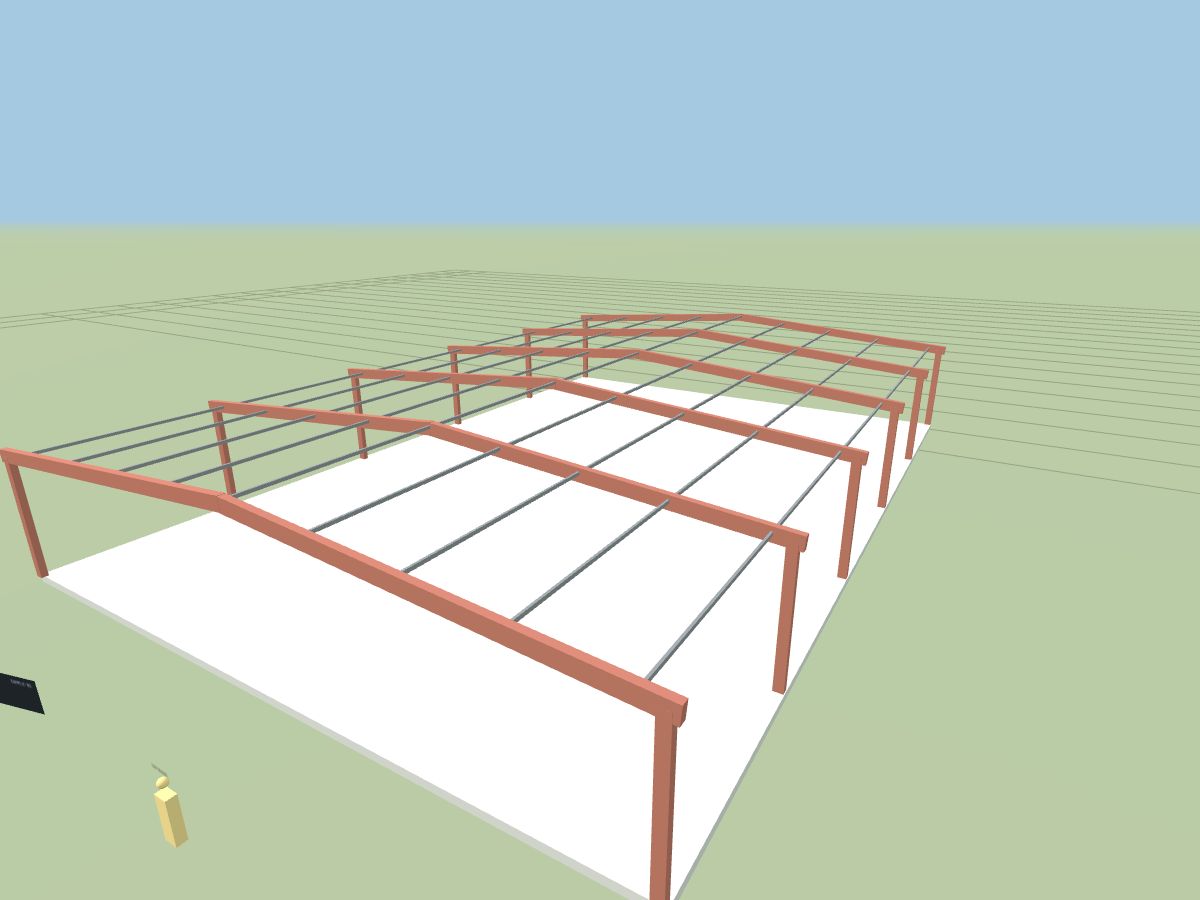
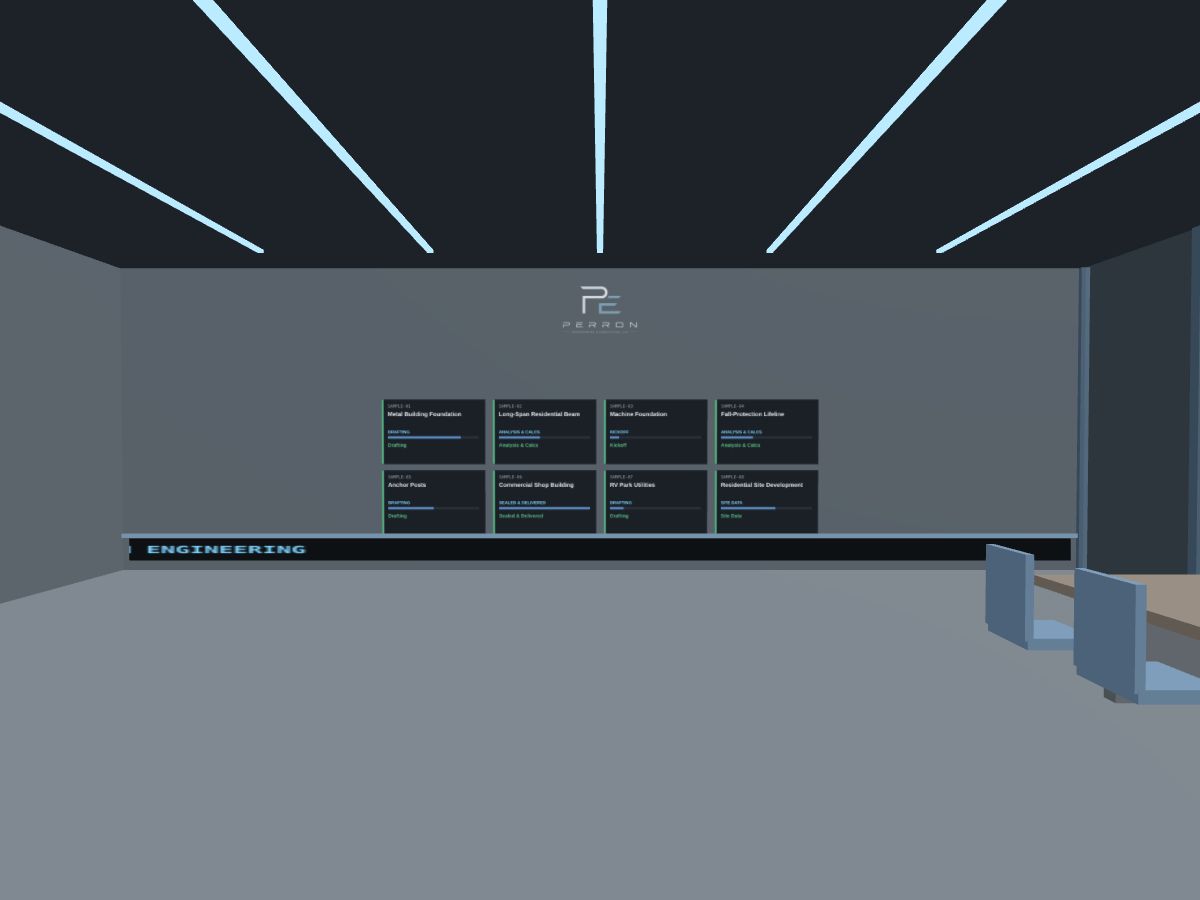
Every sample in the demo room comes from a real PEC project: a metal building foundation, a long-span beam in a home, a machine foundation, a fall-protection lifeline and more. We took the names, addresses and locations off, because your project details stay between us.
On your own project we can go further and set the model on satellite imagery of your actual site, at true scale, so you can see how it sits on the lot, where the trucks get in and how close it runs to the setbacks.
Ask about adding a walkthrough when you request a proposal.
We grew up here. We know the soils, the storms and the permit offices. We’re also the kind of engineers who try new tools to see what’s actually useful, and every drawing still gets reviewed and sealed by a licensed PE.
The industry is changing fast, and a lot of what you hear is noise. We’re happy to help you sort out what’s worth it for your project and what isn’t.
We’ve been building PEC into an end-to-end engineering firm: pricing you can see up front, plans that go straight to the engineer, a portal where clients check their job, AI where it actually helps, and now VR. All of it is live. Have a look around.
Whether you run a firm, work in the trades or just like this stuff, we’re happy to share how we put an end-to-end engineering firm together: the tools, the workflow, and what worked and what didn’t. Leave your info and we’ll reach out.
The demo room runs in your browser. Pick a sample project, step through the portal and look around.
On a Meta Quest, open perroneng.com/vr-demo in the Quest browser and tap Enter VR. On a Quest 3, tap a headset on the conference table to drop the project onto your own table in augmented reality.